

idun is the single console script installed by pip install idun-agent-engine. It covers the full lifecycle: scaffold a project, serve the standalone, run engine-only, hash a password, pre-stage migrations. All commands accept --help.
Quick reference
The seeder writes a row only if the corresponding table is empty. To re-seed after
config.yaml changes, clear the row first (or delete idun_standalone.db for a full reset) and re-run idun setup. See Troubleshooting for the full re-seed recipe.
Common flows
Commands
idun init
Initialize Idun in the current folder and launch chat + admin in one step. Runs migrations, seeds from config.yaml if present, opens the browser, and boots the standalone server. Idempotent, so re-running on an already-initialized folder just re-launches.
idun serve
Run the standalone server. The DB is the source of truth in steady state; on first boot, if the DB is empty and IDUN_CONFIG_PATH points to a YAML file, the file seeds the DB.
idun setup
Create the DB schema and seed it from YAML if the DB is empty. Called automatically by serve and init, but operators can run it directly to pre-stage migrations during a deploy.
idun agent serve
Run an engine-only server with no DB and no admin surface. Useful when you have your own admin stack and only want the runtime layer.
--source manager is still present in idun agent serve --help as a leftover from the pre-0.6.0 manager-tier deployment model. It is deprecated and unsupported: the manager service no longer ships with the platform. Use --source file only.idun hash-password
Print a bcrypt hash suitable for IDUN_ADMIN_PASSWORD_HASH. Used once at deploy time when setting up password auth mode.
Environment variables
serve (and the server side of init) reads every setting from the environment. The defaults below match what the standalone uses out of the box.
Server binding
Database
Admin auth
Trace store
Telemetry
Verifying a running agent
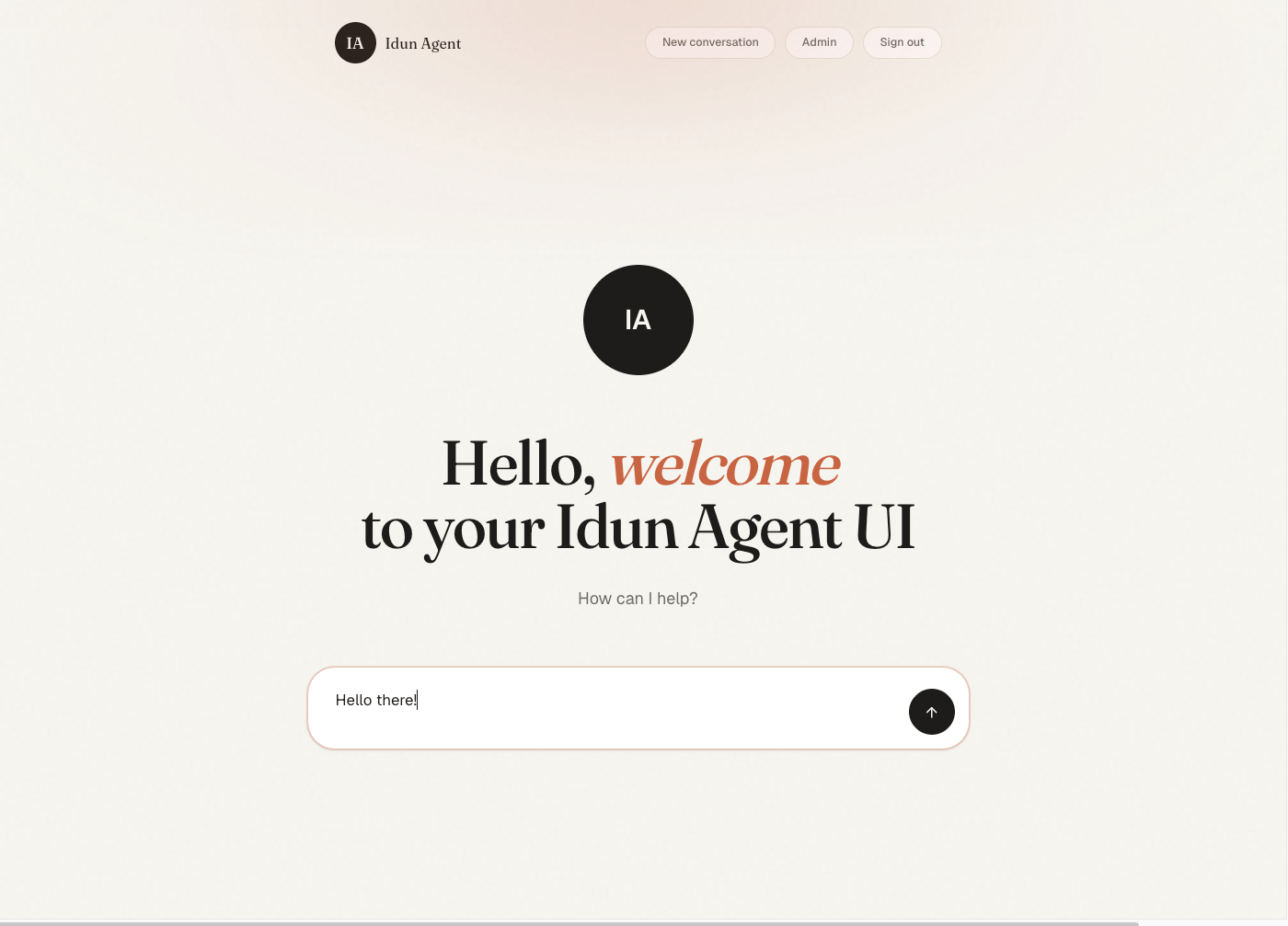
Onceidun serve is up, open the bundled chat UI at http://localhost:8000/. You land on the welcome screen.
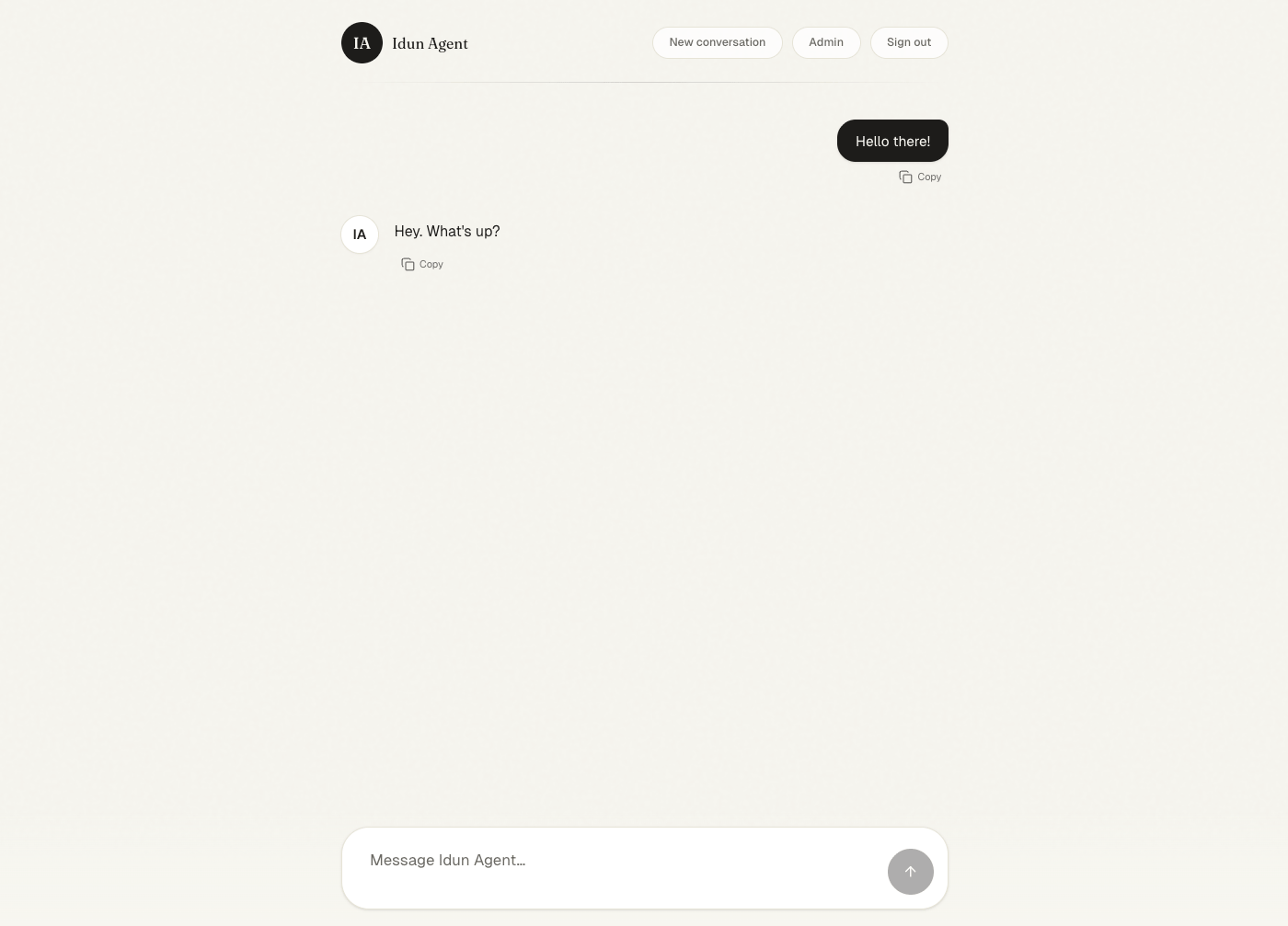
/admin/traces/ to inspect the run after it completes. If you need to hit /agent/run directly from a script or external client, see Programmatic chat for the request shape and SSE event stream.
API documentation
The OpenAPI schema is auto-published at/docs on the running standalone. Open http://localhost:8000/docs in your browser:
Next steps
Programmatic chat
Hit
/agent/run directly with the request shape and SSE event stream.Customize the chat UI
Theme, layout, and full UI replacement.
Deploy to Cloud Run
Run
idun serve on Google Cloud Run with a managed container.