

/agent/* requires a valid Authorization: Bearer <jwt> header. The canonical AG-UI entry point is POST /agent/run; deprecated shims (/agent/invoke, /agent/stream, /agent/copilotkit/stream) are gated by the same dependency. Tokens are validated against the issuer’s JWKS endpoint discovered via {issuer}/.well-known/openid-configuration; nothing is stored or cached beyond the JWKS rotation window.
Health and metadata routes (/health, /_engine/info) stay open. SSO does not gate the admin panel; see Authentication for that surface.
Configuration
- Config file
- Admin UI
Add an
sso block to your engine config.yaml:config.yaml
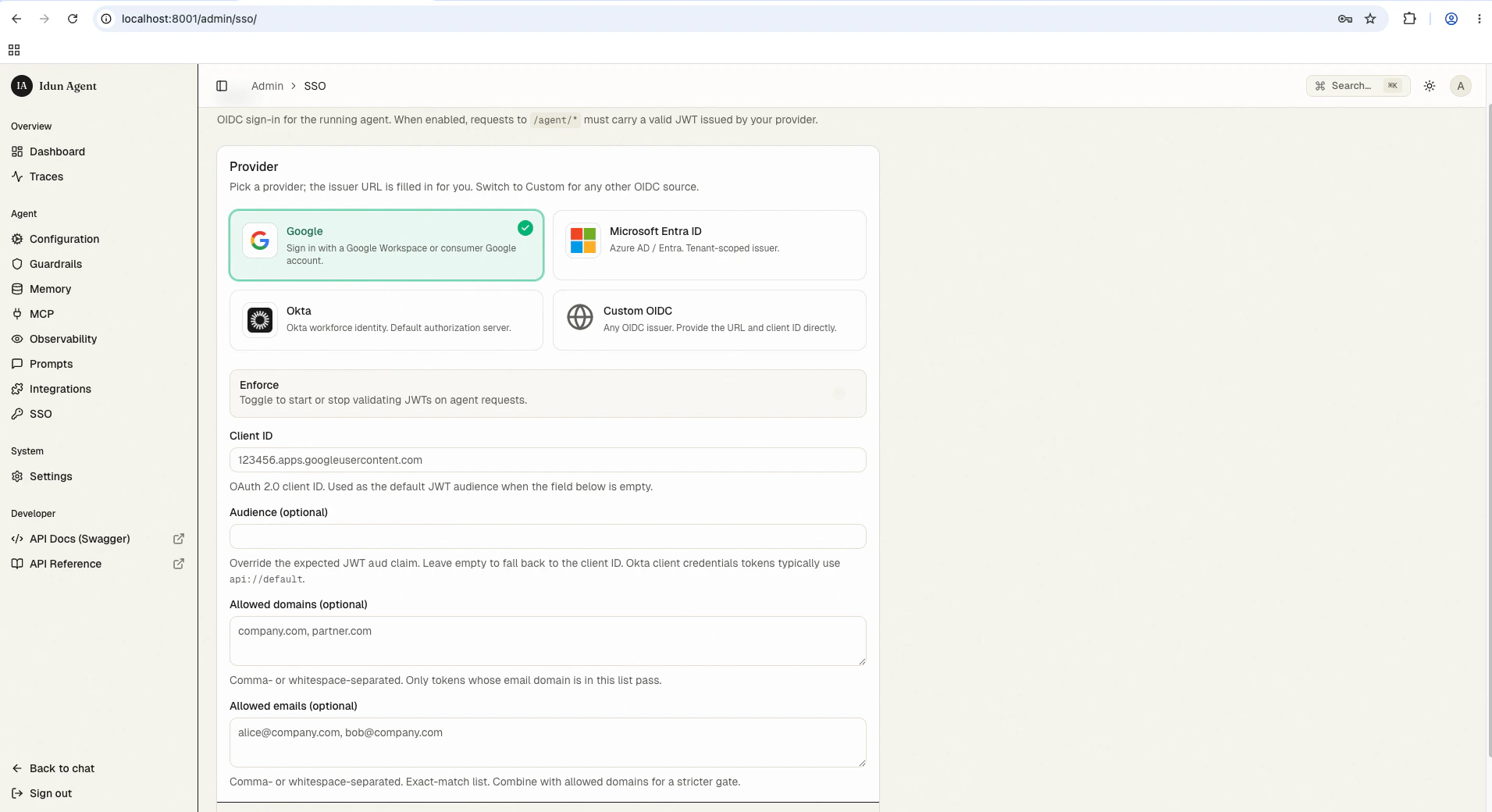
Fields
Restricting access to specific users
Useallowed_domains and allowed_emails together. Both lists are applied after JWT signature verification; a valid token from an allowed provider is still rejected if its email doesn’t match either list.
client_id / audience).
Supported providers
Any OIDC-compliant provider works as long as it publishes a JWKS endpoint via.well-known/openid-configuration. Tested presets in the admin UI:
- Google Workspace — issuer
https://accounts.google.com - Microsoft Entra ID / Azure AD — multi-tenant
https://login.microsoftonline.com/common, or single-tenanthttps://login.microsoftonline.com/11111111-2222-3333-4444-555555555555 - Okta — issuer typically
https://example.okta.com/oauth2/default; audience usuallyapi://default - Custom OIDC — any provider that publishes a
.well-known/openid-configurationdocument
How validation works
- The engine discovers the JWKS endpoint from the issuer’s
.well-known/openid-configurationat startup. - Per request, the engine reads
Authorization: Bearer <jwt>. - JWT signature validated against JWKS. Algorithm and key come from the JWT header.
audandissclaims matched againstaudienceandissuer.- If
allowed_domainsorallowed_emailsis set, the token’semailclaim is checked against both lists. - On success: request proceeds. On any failure:
401 Unauthorized.
What users see
With SSO enabled, the bundled chat UI prompts users to sign in with the configured provider before any conversation starts. The standalone runs the OAuth flow against your issuer and stores the resulting session locally.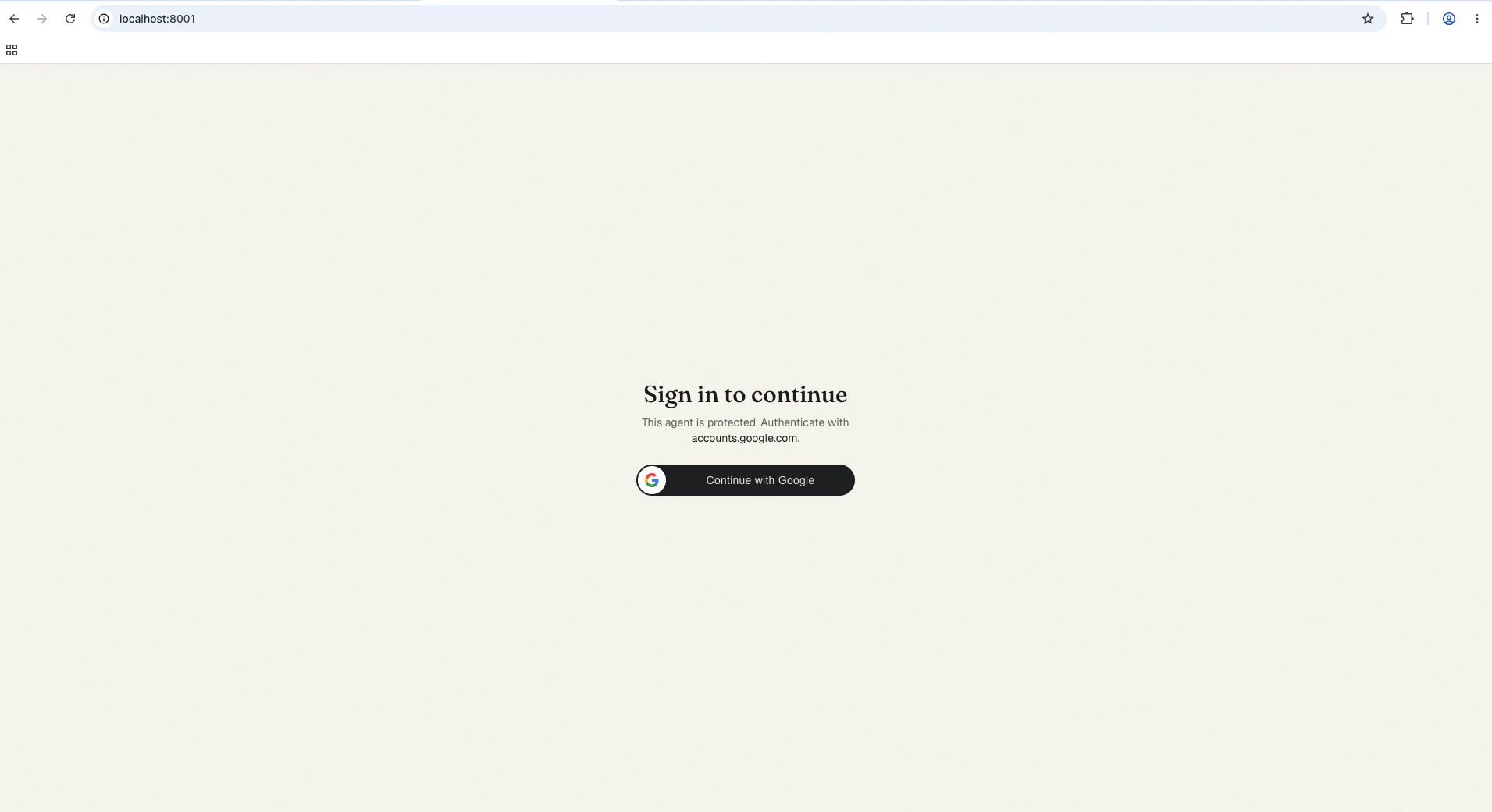
/agent/run with the token attached. If the user’s email doesn’t match allowed_domains / allowed_emails, the engine returns 401 and the chat shows the sign-in screen again. For programmatic clients, obtain the token through your provider’s OAuth 2.0 + PKCE flow and call /agent/run with the resulting access token in Authorization: Bearer <jwt>.
What’s next
Authentication
Admin-panel auth (
none / password) for /admin/*.Production hardening
Env-var checklist + reverse-proxy / TLS notes.
Troubleshooting
What
agent_not_ready and reload-pipeline errors mean.